
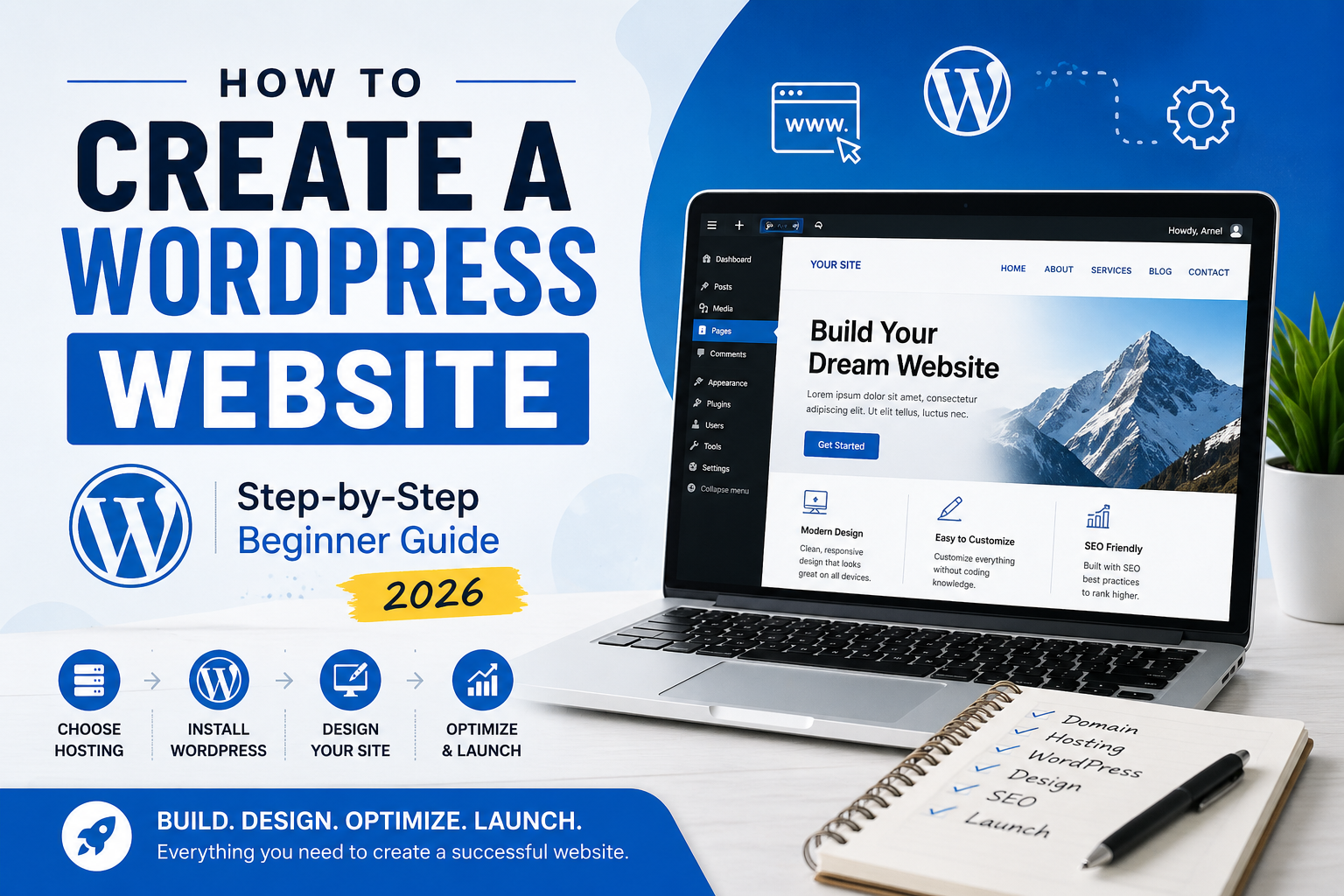
The truth is, creating a WordPress website is not as complicated as it seems. What matters is following the right steps in the right order. This guide breaks everything down into simple, practical steps so you can confidently build your website from start to finish.
Why Choose WordPress for Your Website?
WordPress powers over 40% of all websites worldwide. From small personal blogs to large business websites, it remains the most trusted platform for building a professional online presence.
One of the biggest advantages of WordPress is flexibility. You are not limited by templates or locked into a system. As your business grows, your website can grow with it.
- Easy to use for beginners
- Highly customizable
- SEO-friendly structure
- Thousands of plugins and themes
- Scalable for any type of website
Whether you’re creating a portfolio, business site, or blog, WordPress gives you full control.
Step 1: Choose a Domain Name
Your domain name is your website’s address on the internet. It plays a key role in your branding and how people remember your business.
A strong domain name should be simple and easy to recognize. Avoid overthinking this step—clarity is more important than creativity.
- Keep it short and clear
- Avoid numbers and hyphens
- Make it easy to spell
- Use keywords if relevant
Your domain name is often the first impression people have of your business, so choose something professional and timeless.
Step 2: Choose Reliable WordPress Hosting
Web hosting is where your website files are stored. It directly affects your website’s speed, performance, and reliability.
Many beginners choose the cheapest hosting option, but this often leads to slow loading speeds and technical issues. Investing in reliable hosting is one of the best decisions you can make early on.
Good hosting should provide:
- Fast loading speed
- Strong security
- Reliable uptime
- Good customer support
👉 Read more: How to Choose WordPress Hosting
Step 3: Install WordPress
Most hosting providers offer a one-click WordPress installation. This makes the setup process quick and beginner-friendly.
Once installed, you can access your dashboard using:
yourdomain.com/wp-admin
The dashboard is where you manage your content, design, and settings. At first, it may look unfamiliar, but after a few minutes of exploring, it becomes easy to navigate.
Step 4: Choose a Theme and Design Your Website
Your website design plays a major role in how visitors perceive your brand. However, many beginners spend too much time searching for the “perfect theme.”
Instead, focus on creating a clean, simple, and user-friendly layout.
- Use a lightweight theme for better performance
- Ensure mobile responsiveness
- Keep your design clean and uncluttered
- Use consistent colors and fonts
A professional website doesn’t need to be complicated. Simplicity often leads to better results.
Step 5: Create Essential Pages
Before adding advanced features, start with the core pages every website needs.
- Homepage: Clearly explains what you offer
- About Page: Builds trust and credibility
- Services Page: Describes what you provide
- Contact Page: Makes it easy to reach you
These pages form the foundation of your website and help guide your visitors.
Step 6: Install Essential Plugins
Plugins add features and functionality to your WordPress website. However, installing too many plugins can slow down your site.
Keep your setup simple and focus on essential tools:
- SEO Plugin (Rank Math)
- Security Plugin
- Backup Plugin
- Cache Plugin for speed
A minimal and optimized setup ensures better performance and fewer technical issues.
Step 7: Optimize Your Website for SEO
SEO (Search Engine Optimization) helps your website appear on search engines like Google. Without SEO, even a well-designed website may not get traffic.
Start with these basic SEO practices:
- Use your focus keyword naturally throughout your content
- Optimize your title and meta description
- Use proper heading structure (H1, H2, H3)
- Add internal links to related content
👉 Related: Why You Need a WordPress Website for Branding
Consistency is key. Over time, SEO improvements will help increase your visibility.
Step 8: Make Your Website Mobile-Friendly
More than half of web traffic comes from mobile devices. This means your website must look and function well on smaller screens.
Make sure:
- Text is readable without zooming
- Buttons are easy to click
- Layout adjusts properly on mobile devices
A mobile-friendly website improves user experience and search rankings.
Step 9: Improve Website Speed
Website speed plays a critical role in user experience. Visitors expect your site to load quickly, and slow websites often lead to higher bounce rates.
To improve speed:
- Optimize images before uploading
- Use caching plugins
- Choose fast and reliable hosting
- Limit unnecessary plugins
Even small improvements in speed can have a big impact on performance and SEO.
Step 10: Add Contact and Call-to-Action Elements
Your website should guide visitors toward taking action. Without clear direction, users may leave without engaging.
Add:
- Contact forms
- Call-to-action buttons
- Clear and simple messaging
These elements help turn visitors into potential clients.
Common Mistakes to Avoid
- Choosing hosting based only on price
- Installing too many plugins
- Ignoring SEO setup
- Overcomplicating design
- Not optimizing for mobile devices
Avoiding these mistakes can save you time and improve your results significantly.
When to Consider Hiring a WordPress Expert
While it’s possible to build a website yourself, there are situations where working with an expert makes more sense.
If you want a website that is fast, professional, and optimized for conversions, getting help can save time and ensure better results.
Need help building your website? I help businesses create fast, modern, and SEO-friendly WordPress websites tailored to their goals.
Final Thoughts
Learning how to create a WordPress website doesn’t have to be complicated. By focusing on the right steps and avoiding common mistakes, you can build a website that looks professional and performs well.
Start simple, stay consistent, and improve your site over time. The most important step is getting started.