
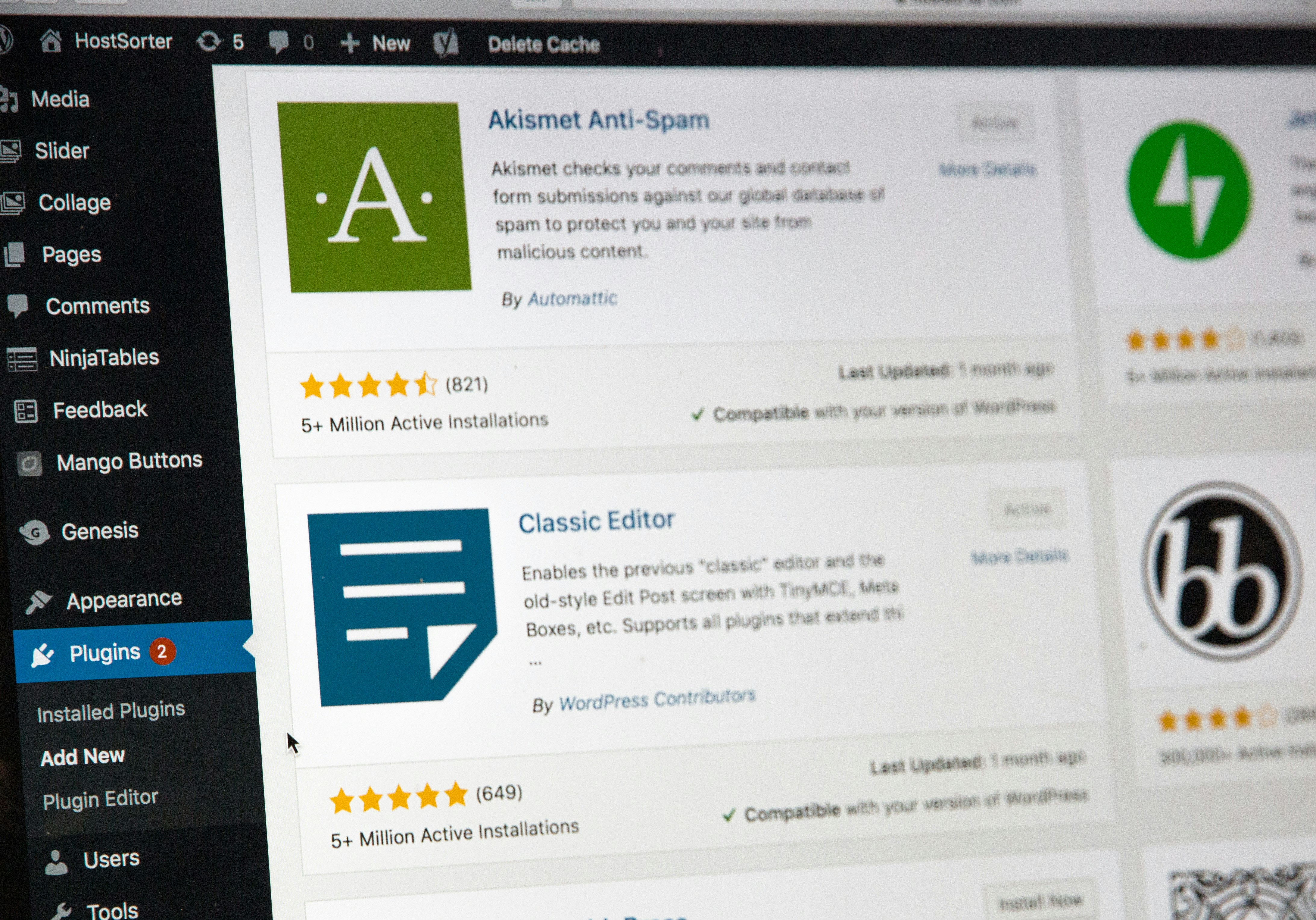
Introduction to WordPress and Its Benefits
WordPress is a versatile content management system (CMS) that has gained immense popularity among entrepreneurs and businesses of all sizes. Originally launched as a blogging platform in 2003, it has evolved into a full-fledged CMS capable of powering websites ranging from simple blogs to complex e-commerce stores. One of the key advantages of WordPress is its user-friendly interface, which allows individuals with minimal technical knowledge to create and manage websites effectively. The intuitive dashboard facilitates an easy publishing process, making it ideal for busy entrepreneurs looking to focus on their business rather than website management.
Customization is another significant benefit of using WordPress. With thousands of themes and plugins available, users can tailor their websites to meet their specific needs and requirements. This flexibility ensures that your website can grow and evolve alongside your business. Whether you need to add functionality, optimize for search engines, or integrate social media, the vast array of plugins allows for easy enhancement. Custom themes can be utilized to create a unique brand identity, making it easier to stand out in a competitive market.
Scalability is crucial for any business aiming for growth, and WordPress excels in this area. As your business expands and traffic increases, WordPress can accommodate your changing needs without requiring a complete overhaul of your website. Its robust architecture supports high-traffic volumes, ensuring that your online presence remains seamless and user-friendly. Furthermore, the thriving WordPress community offers extensive support. With countless forums, documentation, and tutorials, assistance is readily available for users at any level of experience. Overall, these factors contribute to WordPress being the preferred choice for individuals seeking to establish a sustainable online presence for their new businesses.
Choosing the Right Hosting Provider
When embarking on the journey of building a WordPress website for your new business, selecting the right hosting provider is crucial. The hosting service lays the foundation on which your website is built, influencing its performance, security, and overall success. Several key factors should be evaluated before making your decision.
First and foremost, uptime reliability is essential. A hosting provider with a high uptime percentage ensures that your website is accessible to visitors at all times. Ideally, you should seek a host that guarantees at least 99.9% uptime, minimizing the risk of downtime, which can negatively impact user experience and search engine rankings.
Another critical consideration is customer support. As a business owner, you may not have the technical expertise to troubleshoot hosting issues. Therefore, choosing a provider that offers 24/7 customer service through multiple channels, such as live chat, email, or phone, is vitally important. Prompt and effective support can save time and stress when issues arise.
Scalability options are also fundamental. As your business grows, so will your website’s traffic and resource requirements. A good hosting provider should offer scalable plans that allow for seamless upgrades without extensive downtime or migration processes. This flexibility ensures that your hosting solution can grow alongside your business.
Pricing plans should be carefully scrutinized as well. While cost should not be the only determining factor, it’s important to find a balance between affordability and quality. Some popular hosting providers that integrate well with WordPress include Bluehost, SiteGround, and DreamHost. These options are known for their reliability, strong customer support, and scalability, making them suitable choices for new businesses.
In essence, prioritizing uptime reliability, customer support, scalability, and pricing when selecting a hosting provider will significantly impact your WordPress website’s effectiveness as your business evolves.
Installing WordPress: A Step-by-Step Guide
Installing WordPress is a crucial first step in establishing an online presence for your new business. Once your hosting account is set up, you can choose between two methods: the one-click installation and manual installation. Each method has its own advantages, so it is essential to select the one that best suits your technical skills and preferences.
For those looking for a straightforward approach, the one-click installation is the most user-friendly option. Most reputable hosting providers offer this feature through their control panel. Usually, you will find an option labeled “Install WordPress” or similar. By clicking on this, the hosting platform guides you through the installation process, requiring minimal input from you, such as selecting the preferred domain name and setting up essential site details like the admin username and password.
Alternatively, if you prefer a hands-on approach or your hosting provider does not support one-click installations, you can opt for the manual installation method. To do this, you first need to download the latest version of WordPress directly from the official website. After downloading the file, you will need to upload it to your web server using an FTP client. This process requires connecting to your server and transferring the WordPress files to your desired directory.
Following the upload, it is crucial to create a MySQL database and user through your hosting control panel, ensuring you support WordPress’s database requirements. Then, you will need to configure the wp-config.php file, which determines how WordPress connects to the database. Once everything is set up, you can navigate to your domain name, and the WordPress installation wizard will guide you through the remaining steps, including setting up site title and admin credentials.
By choosing the installation method that best fits your skills, and carefully following these steps, you will successfully install WordPress and take the first important step in building a website that is primed for growth with your new business.
Choosing the Right Theme for Your Business
Selecting the appropriate WordPress theme is a crucial step in establishing a website that not only reflects your brand identity but also supports your business objectives. The theme you choose sets the overall design, functionality, and user experience of your site, which can significantly impact engagement and conversion rates. Therefore, careful consideration of several factors is essential.
First and foremost, consider the nature of your business and the message you want to convey. The theme should resonate with your target audience and align with your brand’s aesthetic. For example, a minimalist theme may work well for a tech startup aiming for a modern feel, whereas a vibrant, colorful theme might suit a creative agency. A good starting point is to sketch a few ideas about your website’s layout, considering your brand colors, images, and type of content.
Next, evaluate the functionality that you require from the theme. Ensure that it supports all necessary features such as e-commerce capabilities, blogging options, and responsive design for mobile compatibility. Many premium themes offer extensive customization options, allowing you to tailor visuals and functionalities to meet specific needs. To find a theme that suits your criteria, explore reputable sources such as the official WordPress theme repository, third-party theme marketplaces, or platforms like ThemeForest and Elegant Themes.
Once you have selected your desired theme, the installation process is straightforward. Navigate to the WordPress dashboard, click on “Appearance,” then “Themes,” and finally “Add New.” Upload your chosen theme, activate it, and proceed to customize it to fulfill your branding requirements. Leverage the theme customizer and page builder plugins to adjust layouts, colors, fonts, and more, ensuring your website stands out while remaining functional and user-friendly.
Essential Plugins for a Growing Business
Building a WordPress website that scales with your business involves integrating essential plugins that enhance its overall functionality. Whether you are focused on search engine optimization, security, performance, or e-commerce, utilizing the right plugins can significantly impact your online presence and growth trajectory.
One of the first categories to explore is SEO. Optimizing your website for search engines is critical for attracting organic traffic. A powerful SEO plugin like Yoast SEO can help you assess your content and implement prescribed improvements, making it easier for your target audience to discover your site. By incorporating such plugins, businesses can increase their visibility and enhance their reputation in the crowded online space.
Next, security should never be neglected. WordPress sites are susceptible to various threats, and using a dedicated security plugin such as Wordfence can provide essential protection against hacks and malware. This increases both the safety of your data and the trust that customers place in your business, fostering an environment conducive to growth.
Performance optimization is another vital area. Fast-loading websites not only improve user experience but also contribute positively to SEO rankings. Plugins like WP Rocket can help quickly optimize your website’s speed by caching pages and minimizing load times. A streamlined website can lead to higher conversion rates and customer satisfaction, both of which are crucial for a growing business.
Lastly, for those venturing into e-commerce, WooCommerce is the optimal choice. As a comprehensive plugin for managing online sales, it provides a plethora of features, including payment processing and inventory management. By integrating such tools, businesses can enhance their offerings and effectively cater to their customer base, facilitating sustainable growth.
Creating and Optimizing Website Content
Creating compelling content is crucial to establishing a successful WordPress website that resonates with your target audience. A well-thought-out content strategy serves as the foundation for all your website’s textual elements. Begin by identifying your audience’s interests and pain points, which allows you to tailor your message accordingly. Utilize buyer personas to guide the content creation process, ensuring that every piece of content speaks directly to the needs and preferences of your potential customers.
Another critical aspect of effective website content is search engine optimization (SEO). Incorporating relevant keywords throughout your website enhances visibility in search engines, attracting more organic traffic. When selecting keywords, focus on terms that your target audience searches for while ensuring that they are relevant to your content. Naturally integrate these keywords into headers, body text, and meta descriptions to maximize their impact without compromising the overall readability of your content. Ideally, the primary keyword should appear in the title, first paragraph, and throughout the text without being overly repetitive.
Additionally, engaging blog posts can significantly enhance visitor retention. Start with catchy headlines to capture attention and provide value through informative, well-structured arguments. Aim for shorter paragraphs and appropriately formatted elements such as bullet points and numbered lists; this facilitates easier reading and comprehension. Consider including visuals, such as images or infographics, which can break up text while also providing contextual information.
Lastly, structuring your website’s pages effectively is integral to enhancing user experience. Use clear navigation menus and logical categorization of content. Ensure that important calls to action are readily accessible, guiding visitors toward desired actions such as subscribing to a newsletter or making a purchase. By focusing on quality content and its strategic presentation, your WordPress website will foster engagement, build trust, and drive conversions.
Implementing Best SEO Practices
When building a WordPress website that supports the growth of your new business, implementing best SEO practices is critical for enhancing online visibility. Search Engine Optimization (SEO) comprises various strategies that aim to increase your website’s ranking on search engines. The process can be categorized into on-page and off-page techniques, both of which are vital for boosting your WordPress site’s performance.
On-page SEO involves optimizing individual web pages to improve their rankings. This includes using relevant keywords in titles, meta descriptions, and headings, as well as maintaining a good keyword density within the content. WordPress plugins such as Yoast SEO can assist you in implementing these practices effectively. Additionally, ensure that your images are optimized by including alt tags and compressing file sizes to enhance page load speeds, as faster sites tend to rank higher on search engines.
Off-page SEO focuses on external factors that influence your website’s visibility, including link-building and social media engagement. Establishing backlinks from reputable sources can significantly improve your website’s authority. Engaging on social media platforms provides an opportunity to share your content and encourage traffic back to your WordPress site, which can positively affect your search engine rankings.
Moreover, it is crucial to prioritize site speed and mobile responsiveness. A website that loads quickly and is easily navigable on mobile devices not only offers a better user experience but is also favored by search engines. Using responsive design themes for your WordPress site can enhance compatibility across different devices while optimizing for speed can be achieved through caching plugins and image optimization.
By adhering to these best practices, you can effectively enhance your WordPress website’s visibility and foster sustainable growth for your business. Consistent evaluation and updating of your strategies will ensure that your site remains competitive in search engine rankings.
Launching Your Website and Marketing Strategies
Launching a WordPress website is a significant milestone in establishing your new business. However, merely creating an engaging website is not enough; it is crucial to accompany it with effective marketing strategies to ensure it reaches your target audience. A well-structured launch combined with a robust promotion plan can enhance visibility and drive traffic to your site.
Initially, it is essential to develop an actionable marketing plan that outlines your objectives, target demographics, and the channels you wish to utilize. Social media platforms such as Facebook, Instagram, and LinkedIn can serve as powerful tools to promote your website. Engaging with your audience through relatable content, promotions, and announcements can spark interest and encourage them to visit your site. Optimize your profiles with clear links directing users to your website, and leverage visually appealing graphics and content to capture attention.
Email marketing is another effective strategy to engage your audience. Collecting email addresses through your website allows you to build a subscriber list. Regular newsletters featuring updates, insights, and promotions can keep your audience informed and encourage them to return to your site. Utilize email campaigns to drive users to specific pages, such as product launches or blog posts, reinforcing your website’s value.
Additionally, content marketing plays a pivotal role in establishing your website as a credible source within your industry. Regularly publishing high-quality blog posts, infographics, and videos can enhance organic traffic and improve search engine rankings. Incorporating relevant keywords naturally within your content can help your site appear in search results, thereby increasing visibility.
Ultimately, the coordination of these strategies will facilitate a successful website launch and sustain your business’s online presence. By investing time and resources into diverse marketing channels, you can effectively promote your WordPress website and nurture growth for your new business.
Monitoring Performance and Making Adjustments
Monitoring the performance of your WordPress website is crucial for ensuring its alignment with your growing business objectives. Tools such as Google Analytics provide valuable insights that help you gauge various aspects of user interaction on your site. By regularly analyzing this data, you can uncover important trends in user behavior, identify areas that require improvement, and assess conversion rates effectively. This leads to informed decision-making that can enhance the overall user experience.
To begin with, understanding user behavior involves tracking metrics like page views, average session duration, and bounce rates. These figures reveal how visitors engage with your content and where they may encounter obstacles. For instance, if users are leaving your site shortly after arriving, it may indicate that the landing page is not engaging enough or not delivering on its promises. By recognizing these patterns, you can make necessary adjustments to your content and design strategies.
Additionally, examining conversion rates is essential for evaluating the success of your marketing efforts. Set measurable goals, such as newsletter sign-ups or product purchases, and monitor how effectively your website converts visitors into leads or customers. A decline in conversion rates may warrant adjustments to your call-to-action placements, overall site design, or even the type of content you are publishing. Enhancing these elements can lead to better engagement and higher sales.
Regularly reviewing this performance data empowers you to stay aligned with your business growth objectives. Keeping tabs on how your website evolves in response to user feedback and analytics will not only enhance its functionality but also ensure that the content resonates with your target audience. Emphasizing this analytical approach fosters a proactive attitude toward optimizing your WordPress site, contributing to the sustained growth of your new business.